
👋 What is VJam
Play some music, open your browser — done. Visuals start dancing to your music in real time 🎛️✨ That's VJam — a browser VJ app, no install needed.
👀 See it first
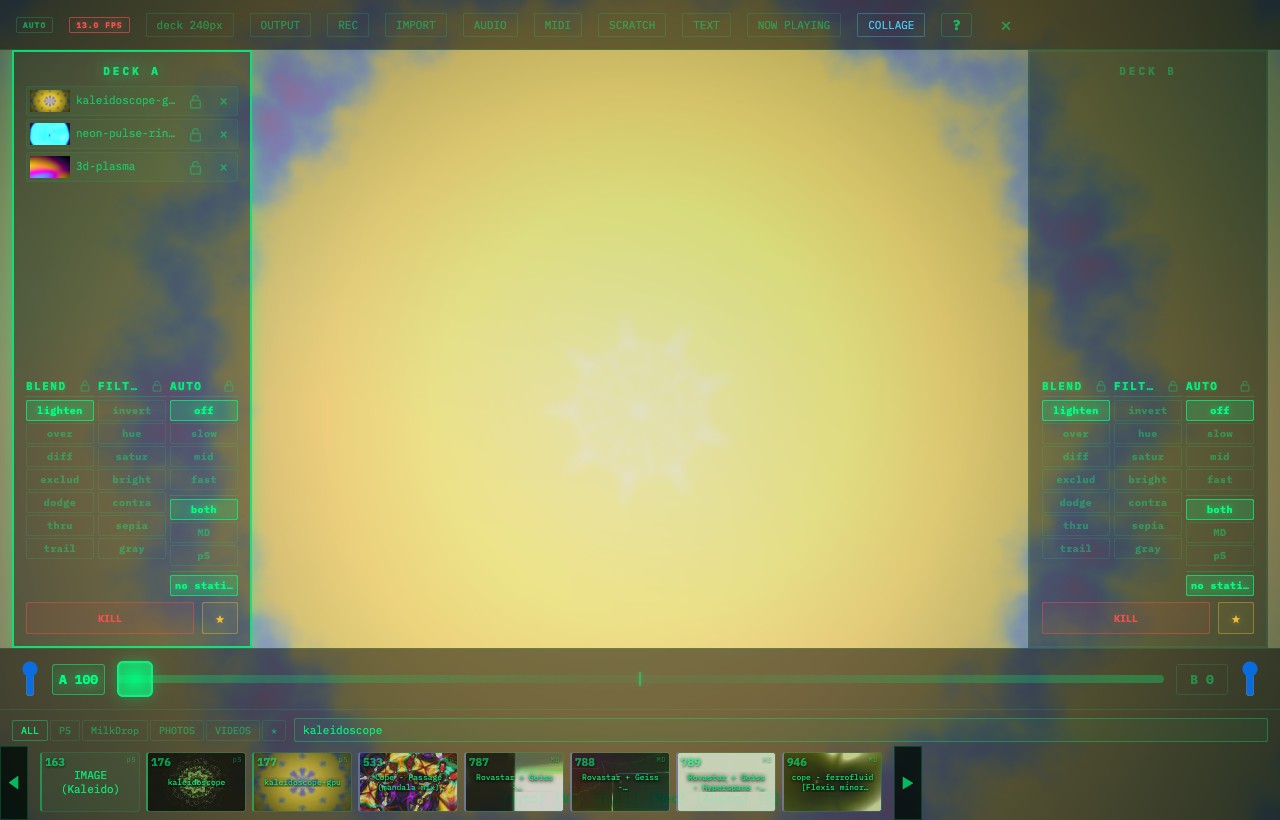
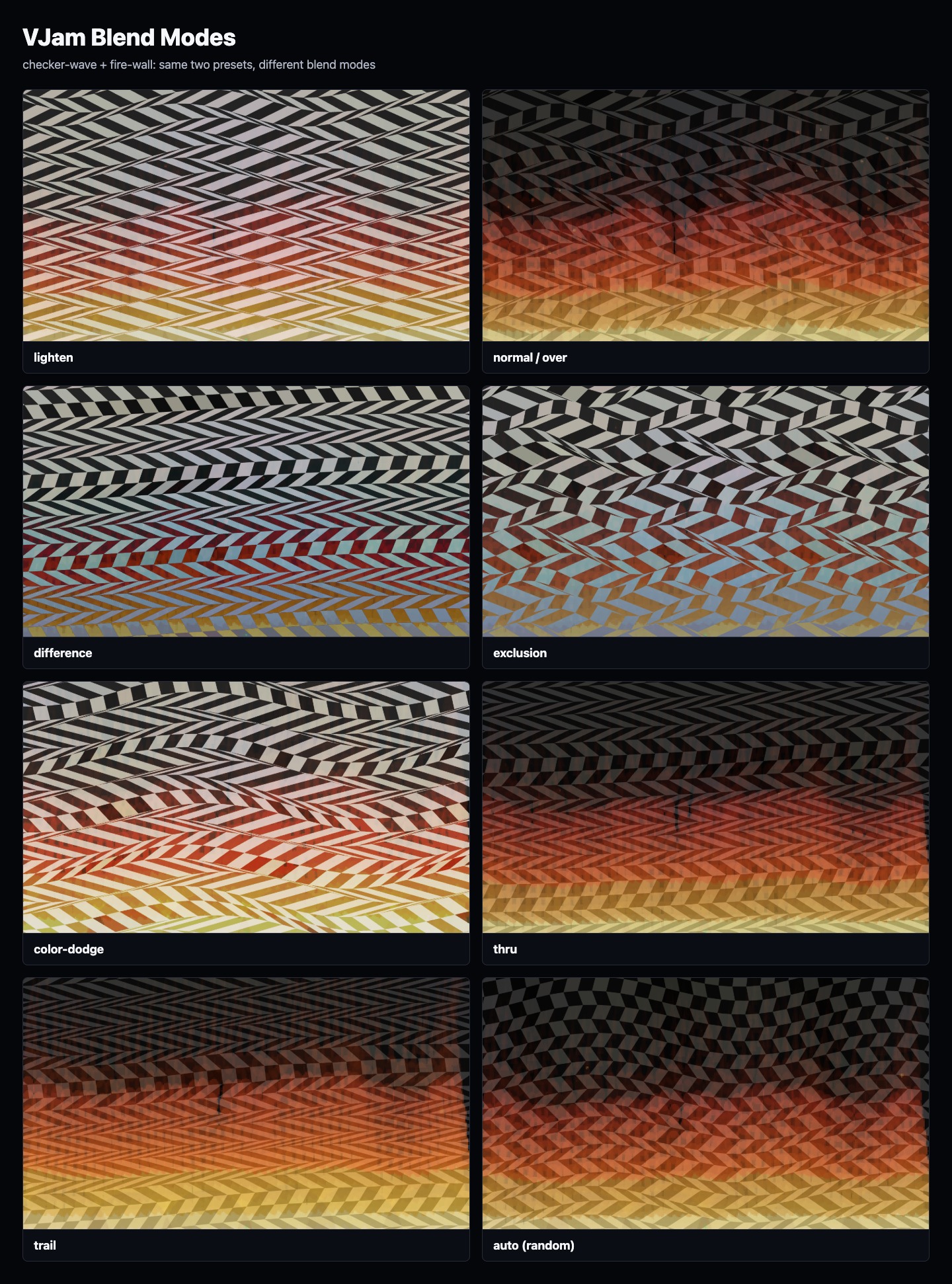
Images, collage, video, text, and track info each work as their own layer type. Start with Images, Collage, Video, Text, or Track info.
🎨 What can it do?
- Your music drives the visuals in real time (bursts on the beat, shifting colors)
- Pick from 1,300+ visuals (MilkDrop ~945 + p5.js ~426) — stack them, mix them
- Mix and switch two visuals like a DJ mixer (Deck A/B + crossfader)
- Drop in your own images, collage elements, videos, text, and track info (logos, track names, messages)
- Record to MP4 and post it to socials
🙋 Who's it for?
- DJs / VJs 👉 you want visuals for a live show or event
- Streamers 👉 you want a music-reactive background for your stream
- Anyone who just wants to play 👉 put on music and watch 🎶
💡 The idea behind VJam
- Visuals you feel 👉 not meters and numbers — bursts on the beat that jump right out at you
- DJ-style control 👉 switch Deck A/B with the fader, adjust the current deck from the browser, switch scenes with number keys
- PC and mobile 👉 mobile for quick play, PC when you want to build it up
🚀 Just try it
Don't sweat the details. Open your browser, play some sound, and you're already VJing 🎉
👉 Head to Getting Started!
See the whole guide 👉 Index
Next: 🎬 Getting Started →