
💬 Text
TEXT adds live typography to the visual output: event names, track names, artist names, short messages, and social CTAs.
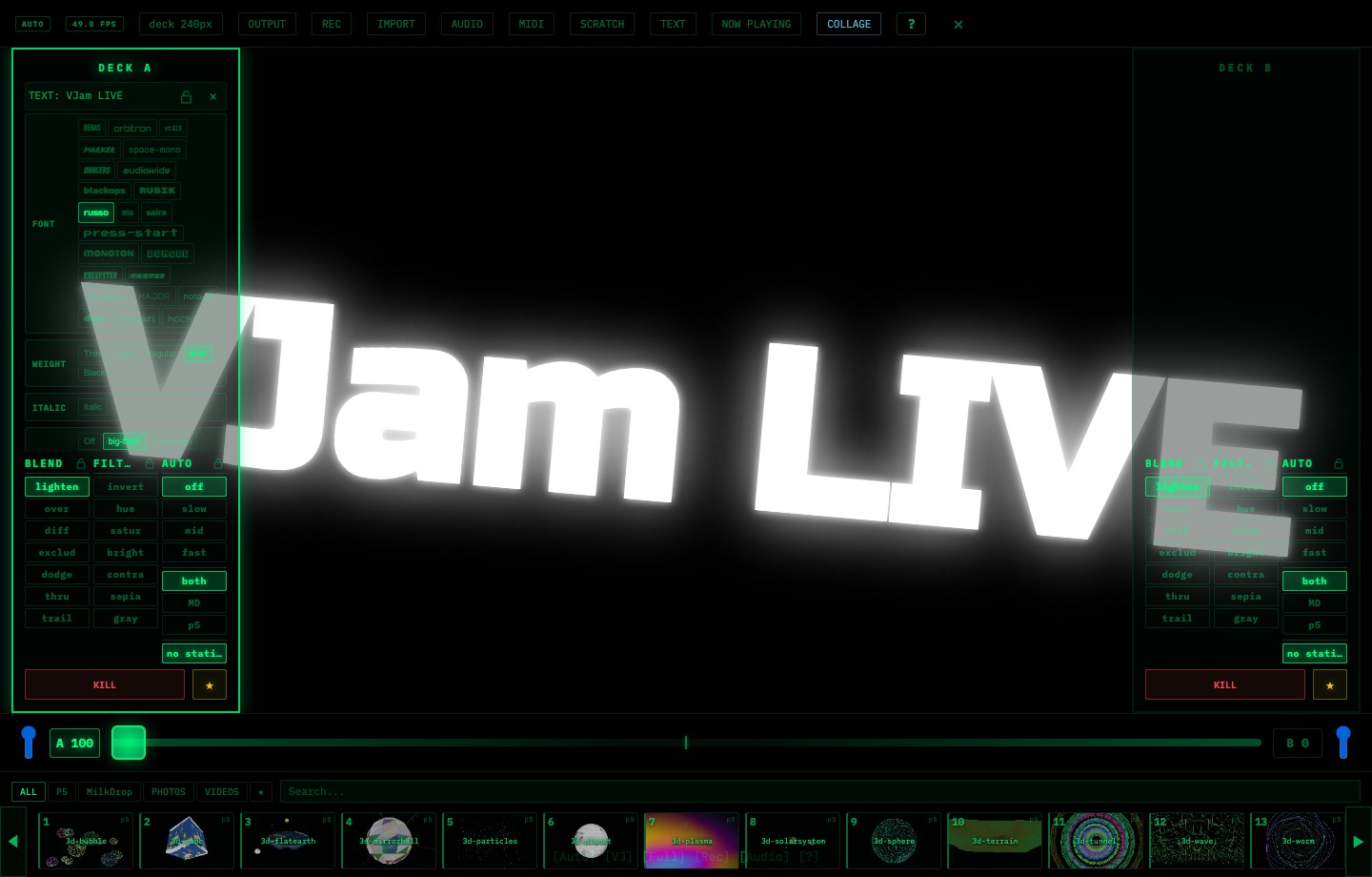
Workflow
- Press TEXT, or press T
- Enter your text
- Adjust the TEXT layer in the deck controls
Controls
| Control | Details |
|---|---|
| Effect | neon / glitch / typewriter / scroll / rain / 3d-extrude / retro-3d / zoom-blur / big-flash / outline-pulse |
| Font | Choose one or several fonts |
| Weight / Italic | Type weight and italic |
| Position | Center / Top / Bottom / Left / Right / Random / Custom |
| Color | Solid, gradients, Rainbow, Beat, Audio-reactive color |
| Size / Spacing | Font size and letter spacing |
| Interval / Max | How often text appears and how many instances can exist |
| CTA | 15s / 30s preset CTA sequences |
Start with big-flash + Center + Max 1 for a strong single hit. For readable titles, use neon or outline-pulse near the bottom.
🔗 Related
- Show track titles automatically → 🎵 Track info
- Show logos or announcement graphics → 🖼️ Images
- Save text-based states → ⭐ Scenes & FAV
- Record for social → 🔴 Recording
- Overlay text in a stream → 📡 Streaming